DOCX template report out of box(also support pdf,odt not out of box)
Work
Features
-
The ability to work out of the box or using python code
-
Jinja template engine (easy insert data, loops by one2many
many2many, if condition etc...)
-
NEW 04/05/2021. Support insert images from Odoo to docx, pdf, odt
-
NEW 02/05/2021. Support convert DOCX to PDF (tested in windows 10,
linux ubuntu, MAC OS)
-
NEW 02/05/2021. Support convert DOCX to ODT
-
NEW 04/05/2021. Support python prepare funcion
-
Ability to write completely any python code in the docx template.
-
2 templates with examples as a gift inside the module
-
The price is much lower than the competition, with much more
features
-
The ability to collect data from different models and even different
servers
-
Free support
-
Free YouTube tutorial
-
Required to install libreoffice in server os
Preview different from not pro version

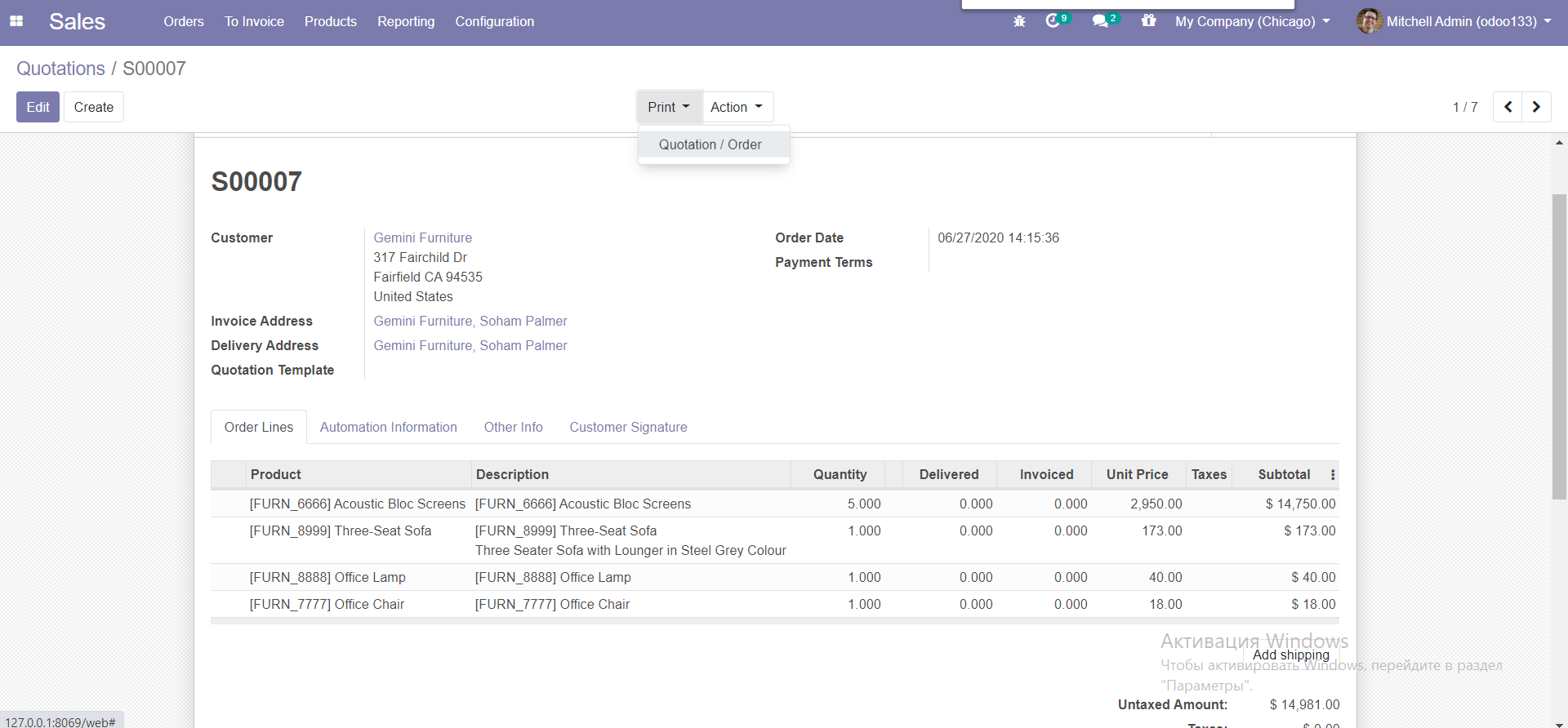
Source record (example sale order)
Report template with Jinja (loops, if condition and many many other)

Result

Report form new selection

Report tree new column

Slidebar override click

Images support step 1. Add image and format it inside docx template

Images support step 2. Don't forget rename all images as 1.jpg....2.jpg etc

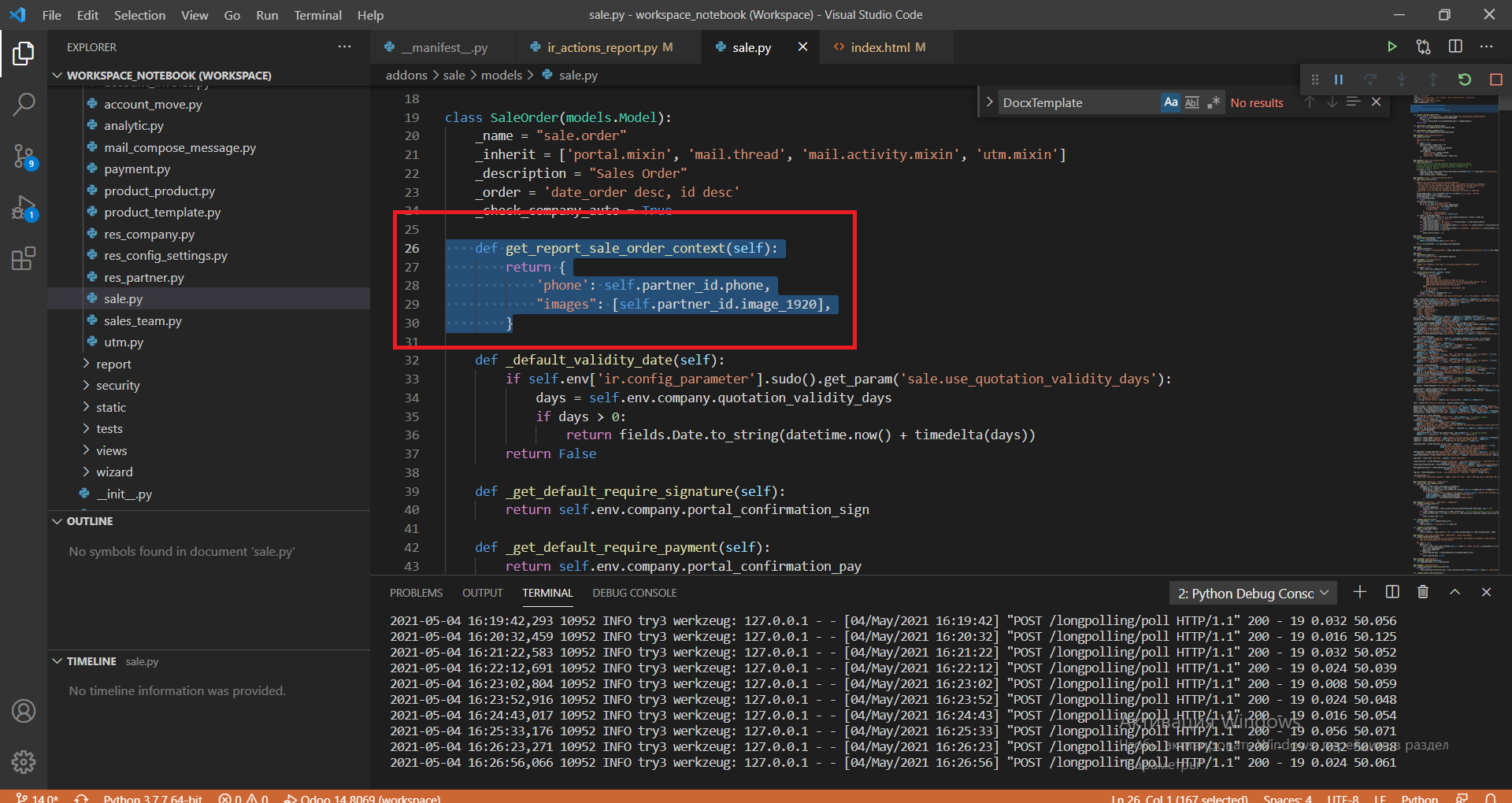
Images support step 3. Add "images": [self.partner_id. image1920,
self.company_id.image_512...] in prepare function
Images support. Result after insert image/images

Need our service?
Contact us by email
Official OCA contributor

Newest modules
Dropbox picker

Google Drive picker

Microsoft OneDrive picker

HR attendance full control
HR attendance FACE recognition control

HR attendance Geospatial access control

HR attendance IP-address access control

HR attendance Token-device access control

HR attendance Geolocation-device access control

Our best-selling modules
Professional attachment manager

Professional image editor for Odoo images

Professional Docx-Odoo templating


